
How to Measure Which Plug-In Devices Are Raising Your Electric Bill
An electric bill cannot tell you exactly what one plug-in appliance consumed. A plug-in electricity monitor can. Measure the device over a representative period, use the energy charge from your own utility bill, and separate usage-dependent charges from fixed fees. The result will not explain the entire bill, but it can show whether a refrigerator, dehumidifier, entertainment setup, or home-office device deserves attention.
Read the bill before measuring
Find the electricity rate expressed in cents or dollars per kilowatt-hour (kWh). Some bills have one flat rate; others use tiers, time-of-use periods, fuel adjustments, delivery charges, or separate taxes. Fixed monthly charges generally will not fall when one device uses less electricity.
For a first estimate, use the marginal per-kWh amount that changes with consumption. If the bill is complicated, ask the utility which charges vary with each additional kWh. Do not divide the entire bill by total kWh without checking whether fixed fees are included.
The basic calculation is:
Measured kWh × applicable rate per kWh = estimated usage cost
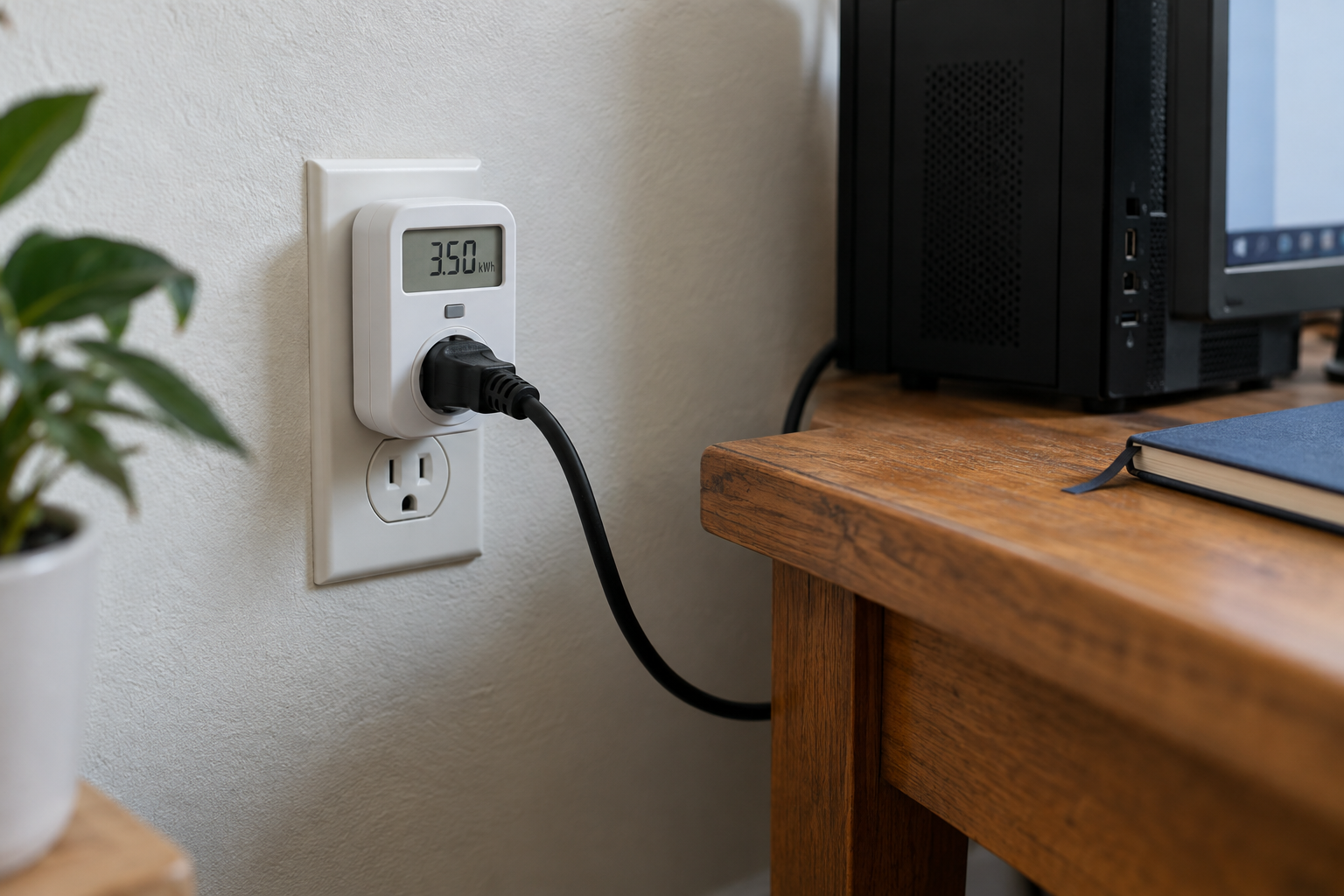
If a device uses 3.5 kWh during a seven-day test and the applicable rate is $0.18 per kWh:
3.5 × $0.18 = $0.63 for the measured week
At the same pattern, a rough 52-week projection is $32.76. Seasonal use, changing settings, and rate changes can make the real annual amount different.
If your utility uses time-of-use pricing, multiplying total kWh by one rate gives only an approximation. For a more accurate estimate, match consumption to the applicable pricing periods. The P4460’s cost display uses the single rate you enter.
Choose a safe, useful test
A plug-in monitor is intended for compatible cord-and-plug equipment within its voltage and current ratings. Do not use it with hardwired appliances, damaged outlets, incompatible plugs, loads above the manufacturer’s limit, or equipment whose manual prohibits an adapter. Stop if the meter, plug, or outlet becomes unusually warm, discolored, loose, or damaged. For uncertain or high-load equipment, ask a qualified electrician.
Good candidates include a television setup, desktop computer, window fan, dehumidifier, small refrigerator, or other compatible device. A lamp gives a quick demonstration but may not explain much of the bill. Central HVAC, electric water heaters, ranges, and most clothes dryers typically require other measurement methods.
Match test length to the appliance
| Device behavior | Suggested observation | Why |
|---|---|---|
| Runs steadily | Several hours to one day | Load changes little |
| Cycles on and off | At least 24 hours; preferably several days | Captures compressor or thermostat cycles |
| Varies by weekday | Seven days | Includes workday and weekend use |
| Seasonal | Repeat in another season | One week may not represent the year |
Turn the appliance off before connecting the monitor. Plug the monitor into a compatible outlet, connect the appliance to the monitor, and then turn the appliance back on. Reset the monitor, record the start time, and leave normal settings unchanged. Write down unusual events such as a power outage, party, heat wave, or trip. At the end, record elapsed time and cumulative kWh.
Separate active use from standby use
If a group of devices shares a power strip, test the entire strip first. Keep the combined load within the ratings of the monitor and power strip. Then test major components individually if the total is high. For a television system, compare:
- normal viewing over several days;
- the same equipment left in standby;
- optional devices disconnected, when the manufacturer permits it.
Do not unplug equipment that must remain powered for safety, medical use, network access, updates, moisture control, or another essential function merely to reduce a small standby load.
Decide what the measurement justifies
Use the result to compare actions:
- change an operating schedule;
- enable sleep or energy-saving settings;
- repair a device that runs abnormally;
- move a temperature-controlled appliance away from heat;
- replace equipment only after comparing purchase price, expected energy use, repairability, and remaining life.
Suppose an older appliance costs an estimated $90 per year to run and a replacement is expected to cost $55 under comparable conditions. The energy difference is $35 per year—not the full $90. A $600 replacement would not pay for itself quickly through that energy difference alone. Use EnergyGuide or ENERGY STAR information for comparable new models rather than assuming every new product has the same consumption.
Where the Kill A Watt EZ P4460 fits
The P3 International Kill A Watt EZ P4460 displays cumulative kWh and can calculate projected operating costs after the user enters a utility rate. The manufacturer lists a 115-volt operating specification, 15-amp maximum current, and 1,875 VA maximum power.
The EZ model is useful when you want cost estimates on the meter rather than calculating them separately. It will not measure hardwired equipment or explain fixed utility charges. Check the device nameplate and the meter instructions before connecting anything. If a compatible plug-in load is the question you need to answer, review the P4460 listing and compare its limits with the equipment you intend to measure.
Sources consulted